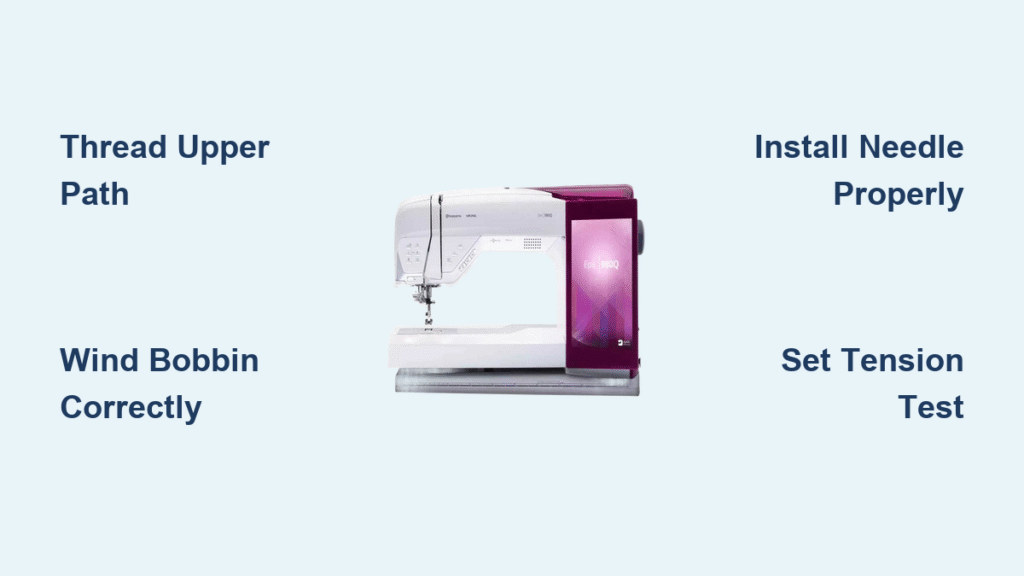
That exhilarating moment when your new Husqvarna sewing machine arrives deserves a smooth setup—not frustration from confusing manuals. Whether you’ve chosen the premium Epic 980Q, versatile Brilliance 75Q, or Sapphire 960Q, this how to set up Husqvarna sewing machine guide eliminates guesswork. You’ll transform unboxing chaos into confident stitching within 60 minutes, mastering threading, tension, and those smart SENSOR features that make Husqvarna stand out.
Most beginners waste hours on avoidable mistakes like incorrect bobbin insertion or tension disasters. But with this step-by-step roadmap, you’ll bypass common pitfalls and unlock your machine’s full potential from day one. Let’s get your Husqvarna humming smoothly so you can focus on creating—not troubleshooting.
Secure Your Sewing Machine Workspace Like a Pro
Eliminate Vibration at the Source
Your kitchen table’s wobble sabotages stitch quality instantly. Choose a rock-solid surface like a dedicated sewing cabinet or industrial desk with at least 24 inches of clearance behind the machine. Test stability by leaning firmly on the edges—if it shimmies, switch locations. This prevents skipped stitches and thread breaks caused by movement during high-speed sewing.
Power Setup That Prevents Electronic Glitches
Plug directly into a grounded wall outlet within 3 feet of your machine—never use extension cords or surge protectors. These introduce electrical noise that disrupts your Husqvarna’s computerized functions. Route the cord along baseboards using adhesive clips, and position the foot pedal where your heel rests naturally. This avoids tripping hazards while maintaining consistent power for sensor systems.
Unbox and Verify Every Component Immediately
Cross-Check Accessories Against Your Model
Before touching the machine, inventory parts specific to your model:
– Epic 980Q/Brilliance 75Q: Standard presser foot (A), 3 bobbins, needle pack (70/10–100/16), seam ripper, and spool caps
– Serger models (Amber Air S600): Additional loopers and cutting blade tools
– All models: Power cord, foot control, quick-start guide, and accessory tray
Missing a part? Contact Husqvarna support before proceeding—using incorrect accessories risks damage.
Spot Hidden Damage Before Powering On
Inspect these critical areas while the machine is still unpowered:
– Rotate the handwheel toward you—it must move silkily without grinding
– Test the presser foot lifter 5 times; sticky movement indicates shipping damage
– Check needle plate edges for nicks that’ll snag fabric
– Confirm all accessory compartments open/close smoothly
If any component feels stiff or damaged, document it with photos before proceeding.
Master Flawless Threading in 5 Minutes
Upper Threading Without Tension Disasters
Follow this exact sequence for models like the Epic 980Q:
1. Raise the presser foot—this unlocks tension disks
2. Slide spool onto horizontal pin with correct cap size (small for cotton, large for thread cones)
3. Trace numbered guides (visible as “1” through “6” on metal frame)
4. Engage automatic threader by lowering lever—watch it hook thread through needle eye
5. Pull 6 inches of thread tail; tug gently to confirm it feeds freely
Pro Tip: Use contrasting thread colors during setup to spot threading errors instantly.
Wind and Insert Bobbins for Tangle-Free Stitching
For all Husqvarna models:
– Guide thread through bobbin tension disk before inserting through bobbin hole (inside→outside)
– Push spindle right to engage winding—never hold bobbin while winding
– Insert bobbin with thread unwinding counterclockwise, following directional arrows on case
– Critical step: Pull thread through tension spring slot before closing cover—skip this and you’ll get bird’s nests!
Install Needles and Presser Feet Perfectly
Match Needle Types to Fabric Weight
Husqvarna’s needle guide:
– Universal 80/12: Quilting cotton (your daily workhorse)
– Microtex 70/10: Silk or chiffon—prevents snags
– Denim 100/16: Double-layer denim—won’t bend
– Stretch 75/11: Knits—eliminates skipped stitches
Avoid Needle Installation Catastrophes
Turn handwheel toward you until needle bar is highest. Insert needle with flat side facing backward, push up firmly, and tighten clamp screw until it resists twisting. Test security by tugging downward—any movement means re-tightening. Bent needles cause broken threads; replace after 8–10 hours of use.
Swap Presser Feet in Seconds
For Sapphire 960Q/Epic 980Q:
1. Raise needle to max height using up/down button
2. Lift presser foot lever
3. Press quick-release button at foot holder base
4. Slide new foot (e.g., zipper foot “E”) under holder until it clicks
Never force feet—misalignment damages the shank mechanism.
Dial In Perfect Tension and Stitch Settings

Fix Tension in 3 Test Stitches
Start with upper tension at 4.0 on all models. Sew a 2-inch line on cotton scrap:
– Top thread visible underneath? Increase tension by 0.5 increments
– Bobbin thread showing on top? Decrease tension
– Loops forming? Re-thread completely—90% of “tension issues” are threading errors
Pro Tip: Save settings for stretch fabrics as “My Stitch 1” on touchscreen models for one-tap access.
Configure Essential Stitches Correctly
Straight stitch setup:
– Stitch length: 2.5mm (ideal for seams)
– Width: 0mm (center needle position)
– Test reverse stitching—thread tails should lock automatically
Zigzag for knits: Length 2.0mm, width 3.5mm
Activate Smart SENSOR Features Immediately
Enable Fabric-Sensing Systems
On touchscreen models (Epic 980Q):
– Go to Settings > SENSOR System > Activate
– Toggle SENSOR Presser Foot for auto fabric thickness adjustment
– Enable SENSOR Pivot to lift foot 1mm when turning corners
– Critical: Activate SENSOR Bobbin to get low-thread alerts
Connect WiFi for Free Updates
Navigate to Settings > Network > WiFi, select your network, and enter password. Register your machine via Husqvarna Viking account to unlock:
– New embroidery designs
– Video tutorials for your specific model
– Automatic firmware updates
Test Your Setup Before Starting Projects
Run the 7-Point Diagnostic
- Sew straight stitch on contrasting fabric—stitches must mirror perfectly top/bottom
- Test reverse stitching; threads should lock without manual tying
- Verify needle stops up when pressing stop button
- Check automatic thread cutter snips cleanly
- Test SENSOR Pivot at corners—foot should lift slightly
- Confirm bobbin thread alert triggers at 10% capacity
- Sew 12 inches of zigzag—no skipped stitches
If tension fails: Re-thread upper path with presser foot raised—this is the #1 fix for tension woes.
Create a 30-Second Daily Maintenance Routine
The Post-Project Checklist
After every sewing session:
– Brush lint from bobbin area with included tool
– Wipe needle plate with dry microfiber cloth
– Check needle for burrs using magnifying lamp
– Store bobbins in labeled case (prevents tangles)
– Return presser feet to compartment—never leave attached
Weekly: Apply 1 drop of sewing machine oil to marked points (see manual). Never oil feed dogs or thread paths.
Avoid Critical Safety Mistakes Beginners Make
Emergency Response Prep
Memorize these before sewing:
– Red emergency stop button location (right side near power switch)
– Scissors placement for thread jams—never pull fabric when needle is down
– Handwheel direction to raise needle manually (always toward you)
– Power cord disconnect point—yank from outlet during jams
Body Safety Non-Negotiables
Keep fingers 1 inch from needle at all times—Husqvarna’s speed catches skin instantly. Tie back long hair, remove rings, and sit centered to the needle. If using sergers (Amber Air S600), wear safety glasses—cutting blades can eject thread fragments.
Your Husqvarna sewing machine is now primed for flawless stitching. Start with straight seams on cotton scraps to build muscle memory, then explore SENSOR features for stretch fabrics or quilting. Remember: tension adjustments under 0.5 increments solve 95% of stitch issues, and daily lint cleaning prevents costly repairs. Bookmark this guide for quick reference—you’ll master your Epic 980Q or Brilliance 75Q faster than you thought possible. Now thread that needle and create something amazing!